
Free tool · TNB RP4
Maximum Demand: the half hour that sets your bill
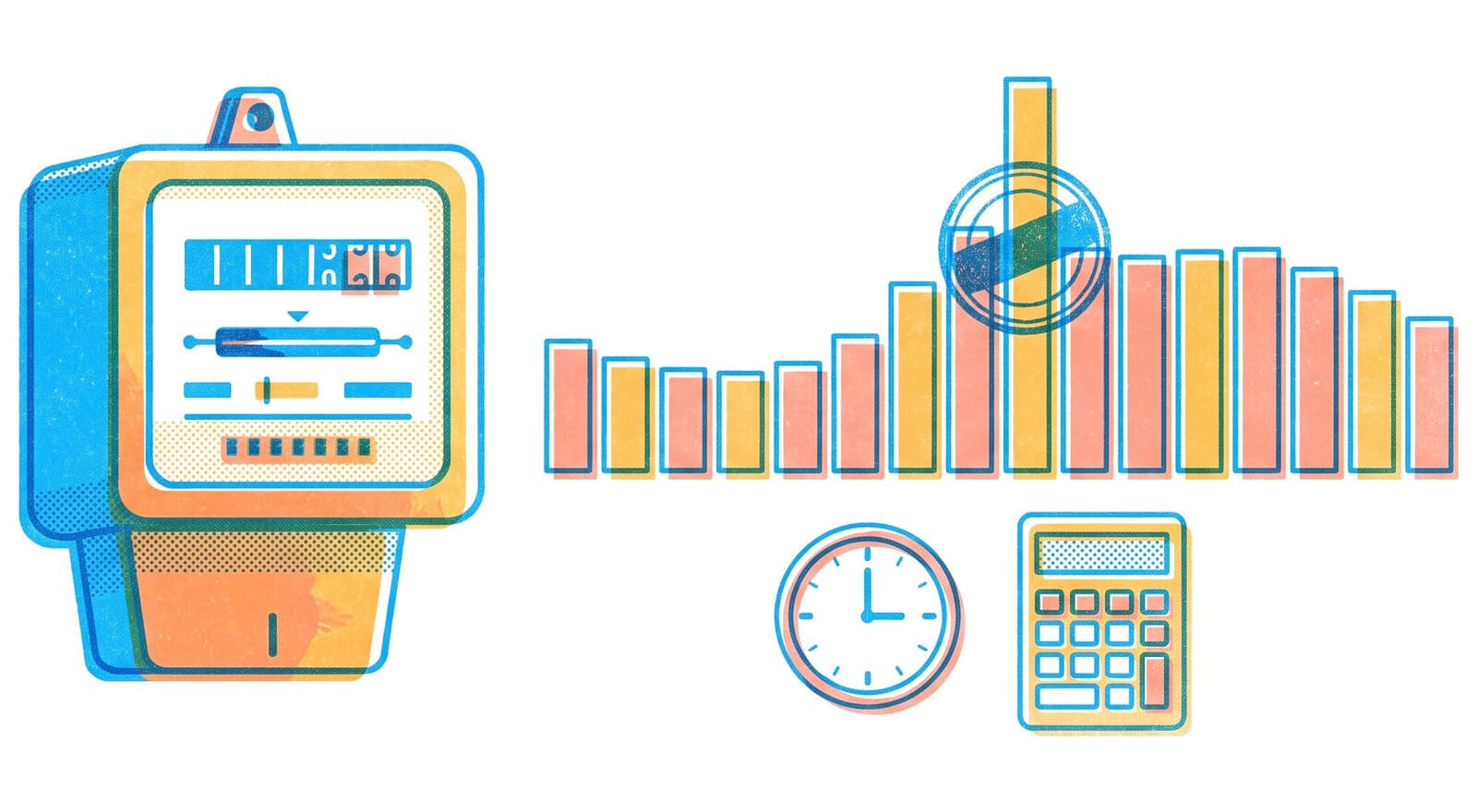
Upload your interval data to find your peak, what it costs under RP4, and what a managed peak would save — worked out from your own load profile.
Free, no sign-up. Runs entirely in your browser — your data is never uploaded.

Upload your energy data
Drop a .csv or .xlsx export of your interval kW/kWh readings — from your TNB smart meter, sub-meter, or BMS. A month of half-hourly data is plenty.
Choose a fileOr use your bill
Enter the Maximum Demand (kW) printed on your TNB bill.
Expected file shape: one timestamp column and one kW/kWh reading column.
Calculated entirely in your browser. Your file is never uploaded.
Knowing the peak is step one. Shaving it is the work.
CobiNeural, our smart operation platform for buildings and industry, manages Maximum Demand as a continuous process rather than a monthly surprise.

Monitor
CobiNeural tracks your 30-minute demand in real time — the Max Demand KPI sits alongside consumption, power factor and EUI, down to equipment level.
Alert
WhatsApp and email alerts fire as demand approaches your threshold, so your team can shed or stagger loads before a new monthly peak is set.
Act
Your team staggers heavy equipment and start-ups, using the schedules in your BMS, PLC or SCADA. Measurement and verification then shows what each change saved.
Understand the number you just calculated
FAQ
Questions engineers ask
What is Maximum Demand (MD)?
Maximum Demand is the highest 30-minute average demand, in kW, recorded in a billing month. TNB defines it as twice the largest number of kWh supplied in any consecutive 30 minutes — so one bad half hour sets the figure you pay for all month.
How is MD charged under TNB's RP4 tariff?
Since 1 July 2025, MD is billed through capacity and network charges — roughly RM89.27/kW per month for general medium-voltage commercial customers and RM97.06/kW on the Time-of-Use scheme, where demand set entirely in the off-peak window is not charged. Always confirm the rate on your own bill.
What data do I need?
Interval kW or kWh readings with timestamps — from the TNB smart meter portal, a sub-meter, or your BMS — exported as CSV or Excel. Half-hourly or finer intervals give an exact result, and one month of data is plenty. No interval data? Enter the MD figure printed on your bill instead.
Is my energy data uploaded anywhere?
No. The file is parsed and the calculation runs entirely in your browser — your data never leaves your device.
How do I actually reduce Maximum Demand?
Stagger large motor and compressor starts, sequence chiller plant start-up, and shift flexible loads out of the weekday 2–10pm peak window. The hard part is catching a new peak before it sets — which is why continuous demand monitoring with alerts, like CobiNeural’s Max Demand KPI with WhatsApp and email alerts, is usually the first step.
Questions about your own bill?